Direct & render
Render & credits
Rendering generates audio for every line, trims the dead air AI voices add, inserts your chosen pauses, and assembles the lines into one chapter master. Credits are measured in finished minutes of audio.
Render a chapter
- Choose Render Chapter (the button shows an estimate, such as “≈ 1 min”).
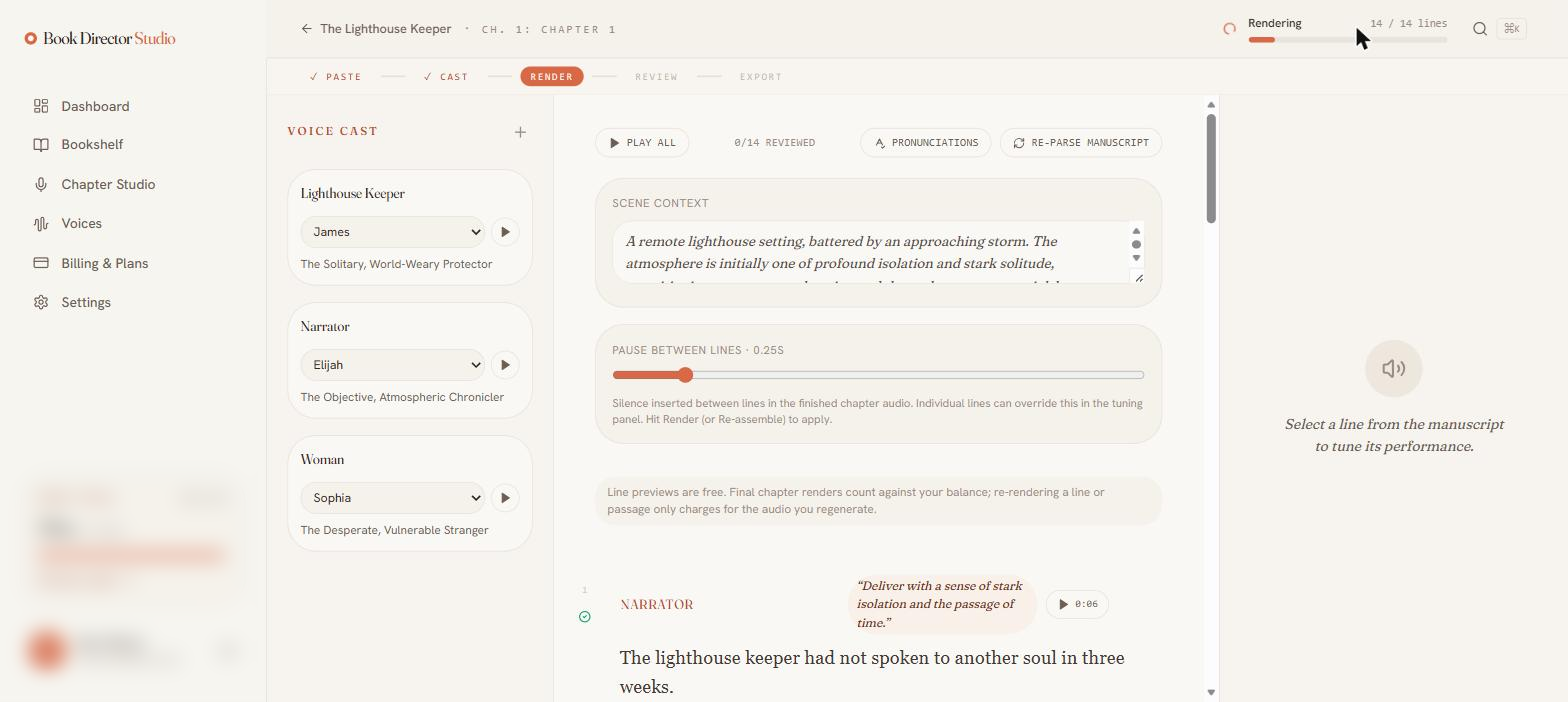
- Watch progress in the header as it counts lines (“Rendering 14 / 14 lines”).
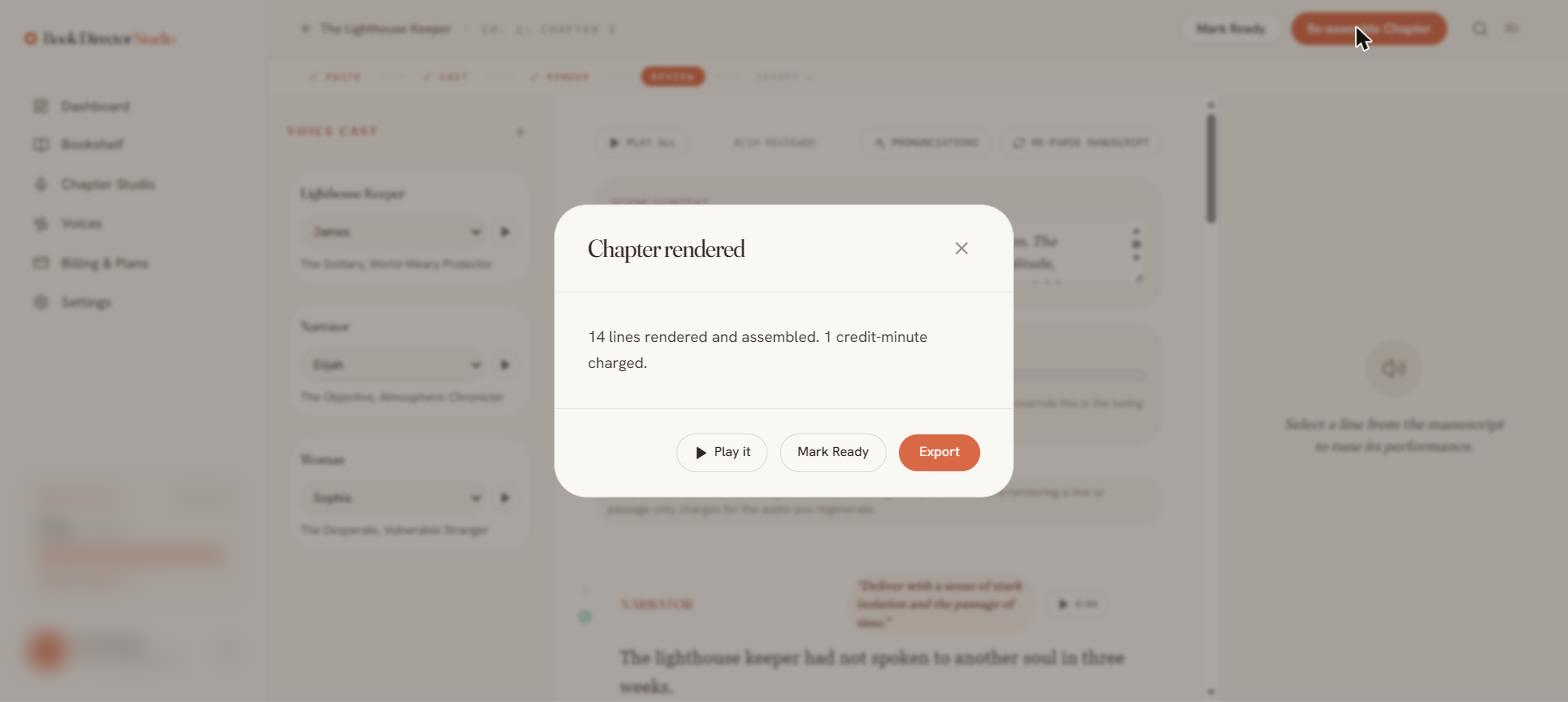
- When it finishes, a Chapter rendered dialog reports how many lines were assembled and how many credit-minutes were charged, with quick actions to Play it, Mark Ready, or Export.
How credits work
| Unit | Finished minutes of audio, always rounded up to the whole minute. |
| Estimate | About one credit-minute per ~140 words, shown before you render. |
| Reserve & settle | Minutes are reserved when a render starts and settled to the actual audio length when it finishes. |
| Previews | Free. |
| Re-renders | Charge only for the audio you regenerate, not the whole chapter. |
| Failures | Lines that fail are not charged. |
Spacing-only changes (such as moving the pause slider) re-assemble the chapter without re-generating speech, so they cost nothing.
Chapter status
A chapter moves through pending → parsed → rendering → completed → ready. Already-ready lines are skipped (and not re-charged) when you re-render, and the chapter master re-assembles once every line has audio.