Direct & render
Pronunciations
Invented names and unusual words sometimes need help. The per-book pronunciation dictionary lets you respell a term the way it should sound, and the narrator reads the respelling instead of the original.
Add a pronunciation
- In the Chapter Studio, choose Pronunciations.
- Enter the Term (for example, “Hermione”) and how to Say it like (for example, “Her-my-oh-nee”).
- Add more rows as needed, then Save pronunciations.
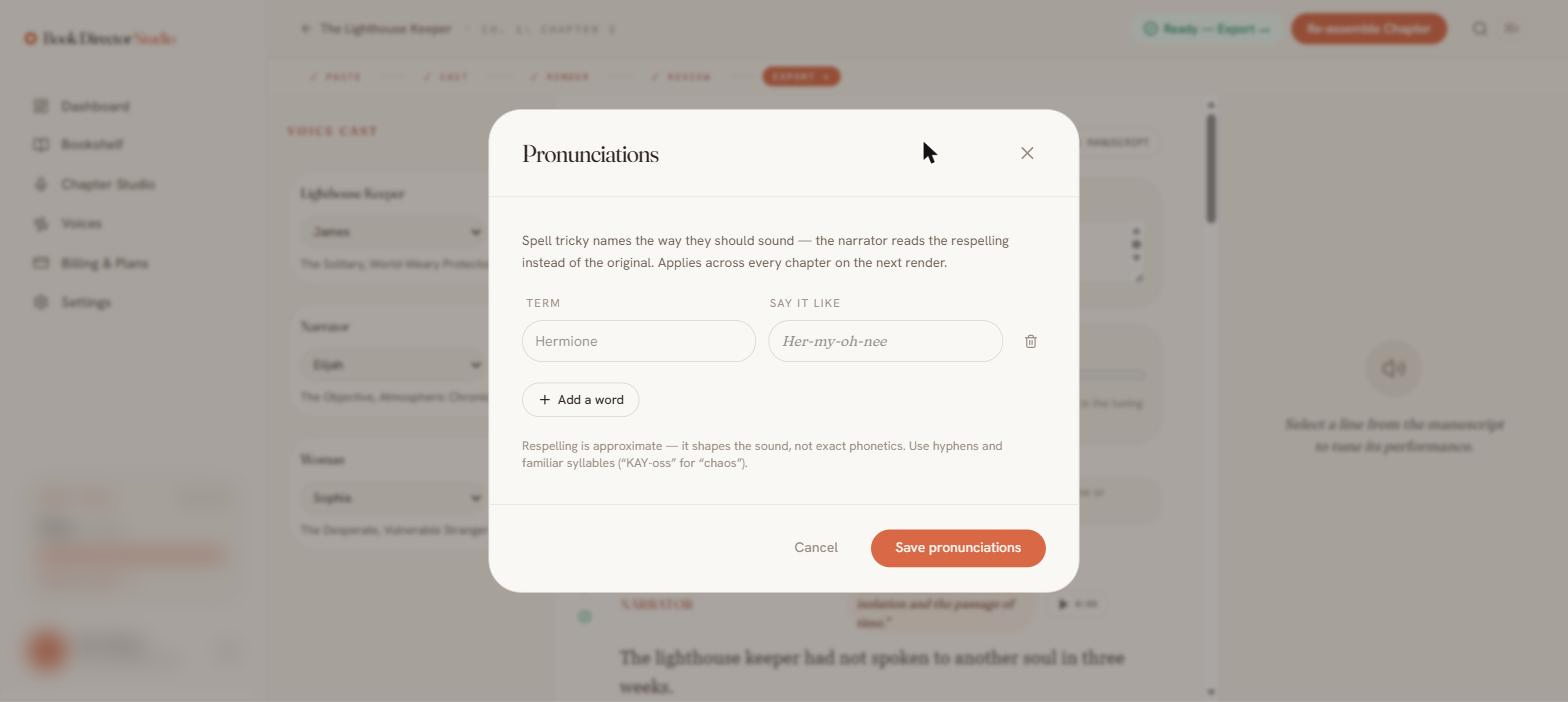
Respelling shapes the sound; it is approximate rather than strict phonetics. Use hyphens and familiar syllables, such as “KAY-oss” for “chaos.” Entries apply across every chapter in the book on the next render.
Because pronunciations only take effect on the next render, re-render the affected lines (or re-assemble the chapter) after adding them.