Get started
Account & dashboard
Book Director Studio uses Google sign-in only, so there is no separate studio password to manage. New accounts start on a free trial that includes one hour of finished audio.
Create an account
- From the marketing site, choose Get Started, or open the Log in page and select Create an account.
- Tick the box agreeing to the Terms of Service, Privacy Policy, and AI Content Policy.
- Choose Continue with Google and pick the Google account you want to use.
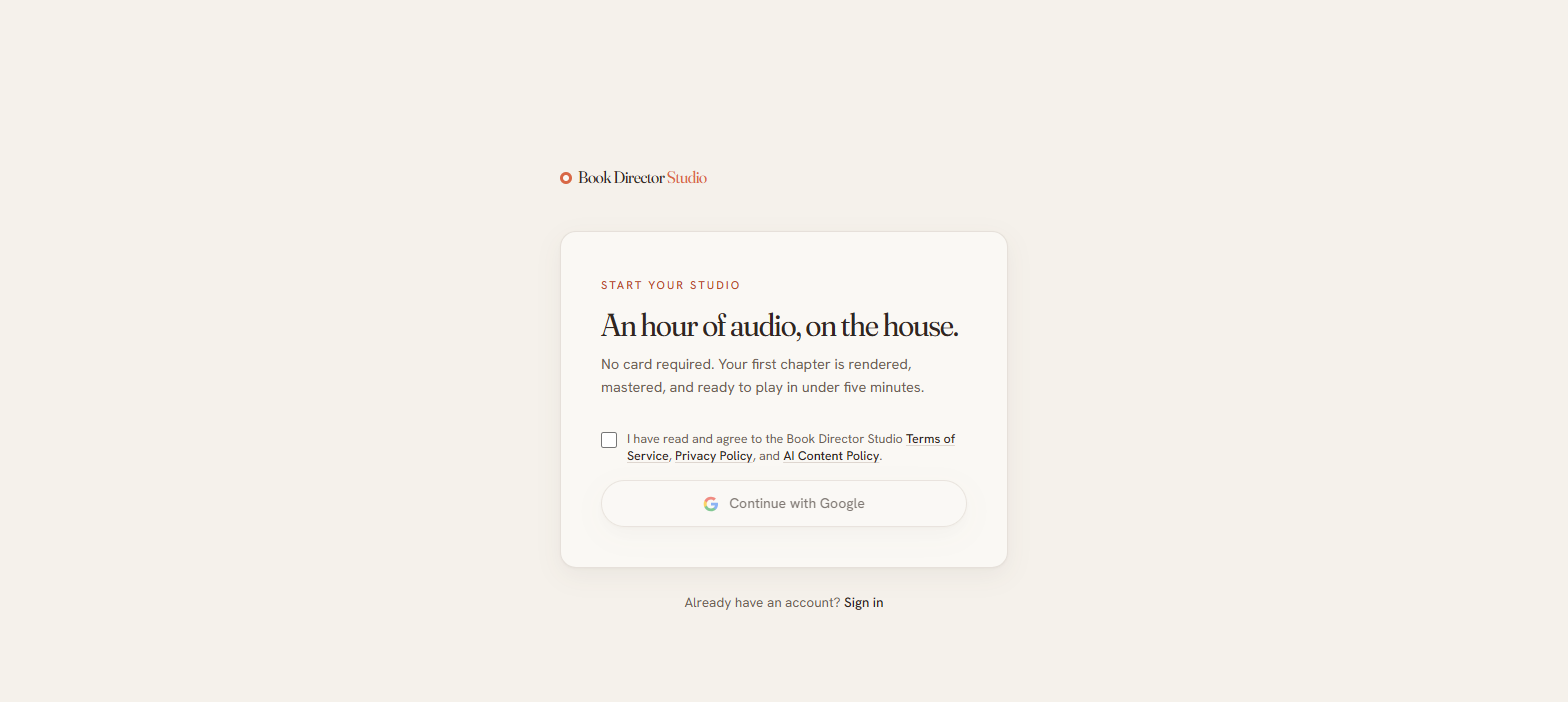
Because sign-in is handled entirely by Google, passwords, two-factor authentication, and device activity all live in your Google Account, not in the studio.
The dashboard
After signing in you land on the dashboard, which greets you by name and summarizes your work in the Production overview: books in progress, chapters produced, audio produced, and trial credits left.
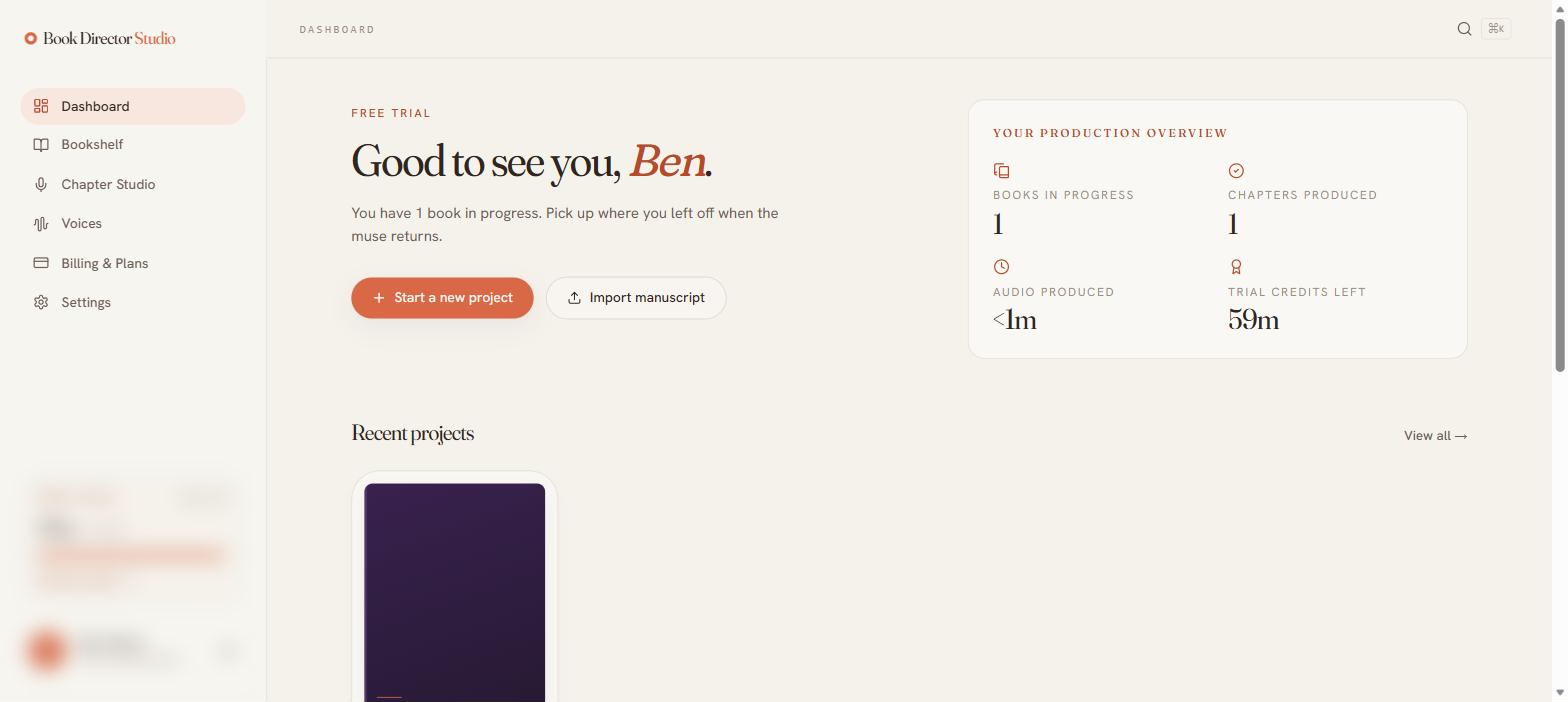
- Start a new project — create an empty book by title.
- Import manuscript — upload or paste a manuscript and let the studio detect chapters.
- Production activity — a timestamped feed of every parse, render, and export once you begin.
- Tips & shortcuts — quick reminders such as pressing R to re-render a selected line.
The credit meter in the lower-left sidebar is visible on every screen, so you always know how much finished audio you have left.